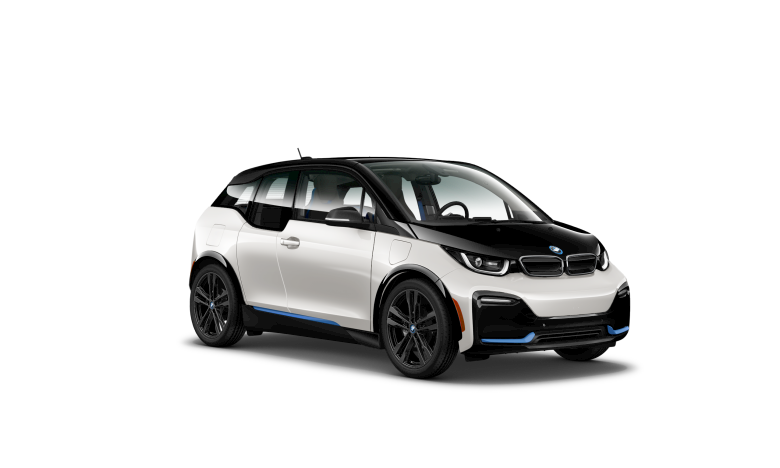
BMW i3 CarData Analysis
Upload your BMW i3 CarData zip file to display various
This tool turns your BMW CarData privacy export into a personal charging and vehicle analytics dashboard — entirely in your browser. No account required, no data ever leaves your device.
To get your CarData export, open the My BMW app, go to Privacy → Data Download, and request your CarData report. You'll receive a ZIP file containing your charging history and vehicle status snapshot.
Drop that ZIP into the tool and it instantly builds five tabs of insights:
- Overview — total energy consumed, session counts, and monthly trends across your ownership history
- Battery Health — a proxy analysis of capacity retention over time, estimated from real charging data
- Charging Patterns — when and how often you charge, broken down by hour of day, day of week, session duration, and energy per session
- Session Log — a searchable, filterable record of every individual charging event
- Vehicle Status — a snapshot of your car at the time of the report: battery state, door and window status, service reminders, connected subscriptions, and your car's own photo pulled directly from the export
Your files are processed locally using JavaScript — nothing is uploaded, stored, or shared.